Register as an Agent Working for Headstart Essentials Inc.

Enter all of the relevant information, including a valid mobile phone number where you will receive a text message for confirmation.
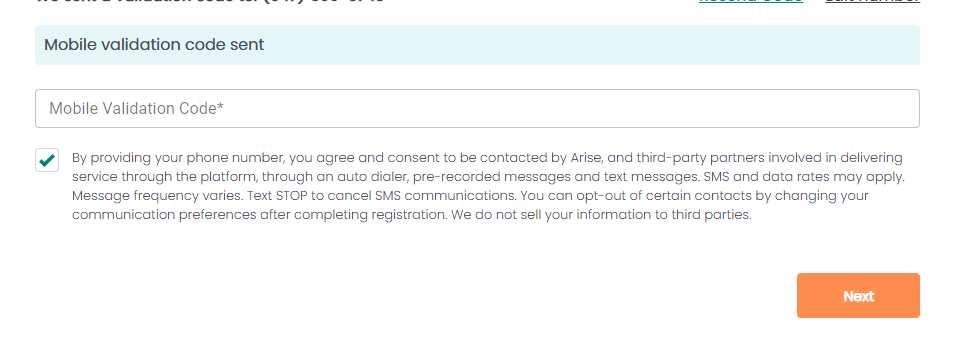
Once you have verified your mobile number you will then move to selecting Headstart Essentials Inc as your IBO (unless you have already used our unique link)
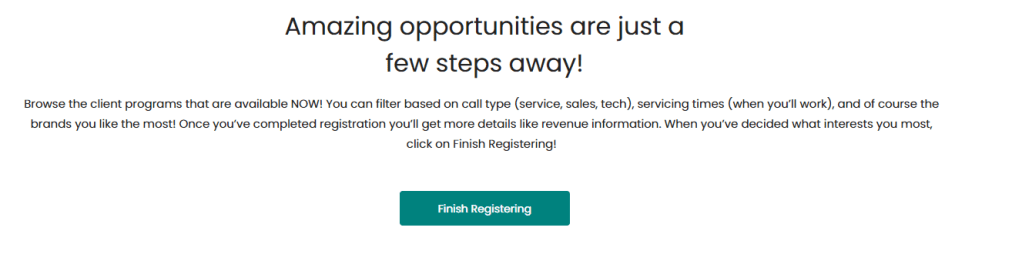
If you have not used our Unique Link for signup then you will proceed with selecting Headstart Essentials manually.
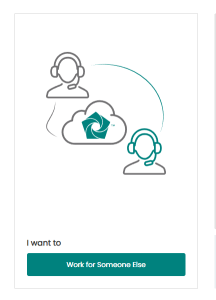
After completing the Signup process, your will arrive at landing page which will ask you to select how you want to service. Pleas select “I want to Work for Someone Else”
If you did not use the link provided by us when signing up then you would input our Company Code 668197 to choose Headstart Essentials Inc. Make sure you choose the option “Join a Service Partner”. DO NOT start the process where it takes you automatically by creating an account as a Sole Proprietor as that will take you several days to fix.
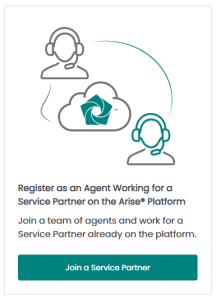
Next, you will enter 668197 and select Headstart Essentials Inc. If you do not see this business name, please contact one of our team member as selecting the wrong business will create a weeks of delay.
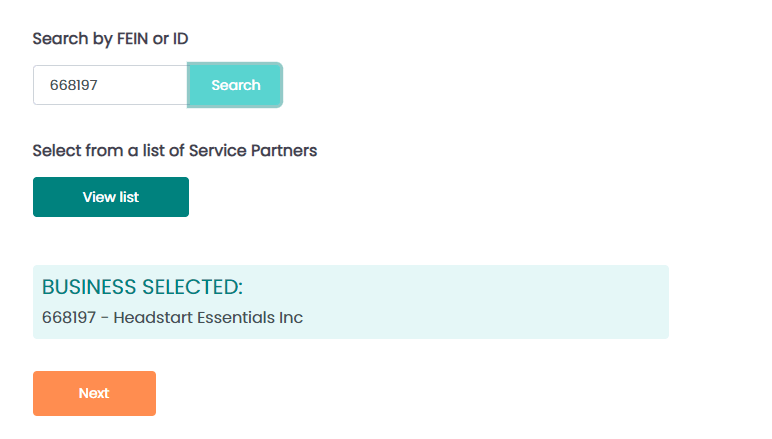
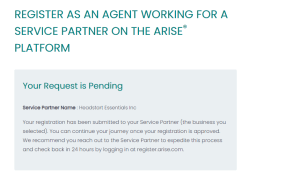
Once you have selected the business and hit Next, we will receive the request to approve your application. Please coordinate this with one of our team members so we can quickly continue this process as this is a time sensitive request and can expire.
 HEADSTART ESSENTIALS